Full viewer
Filesystem metadata, EXIF, audio tags, document properties, and archive entries, neatly grouped.
MetaStrip shows the hidden metadata in photos, audio, documents, and archives, then makes a clean copy without touching the original. Everything runs on your phone.
Photos, documents, and recordings often carry a location, device name, author, or edit history. MetaStrip shows all of it before you share the file.
Filesystem metadata, EXIF, audio tags, document properties, and archive entries, neatly grouped.
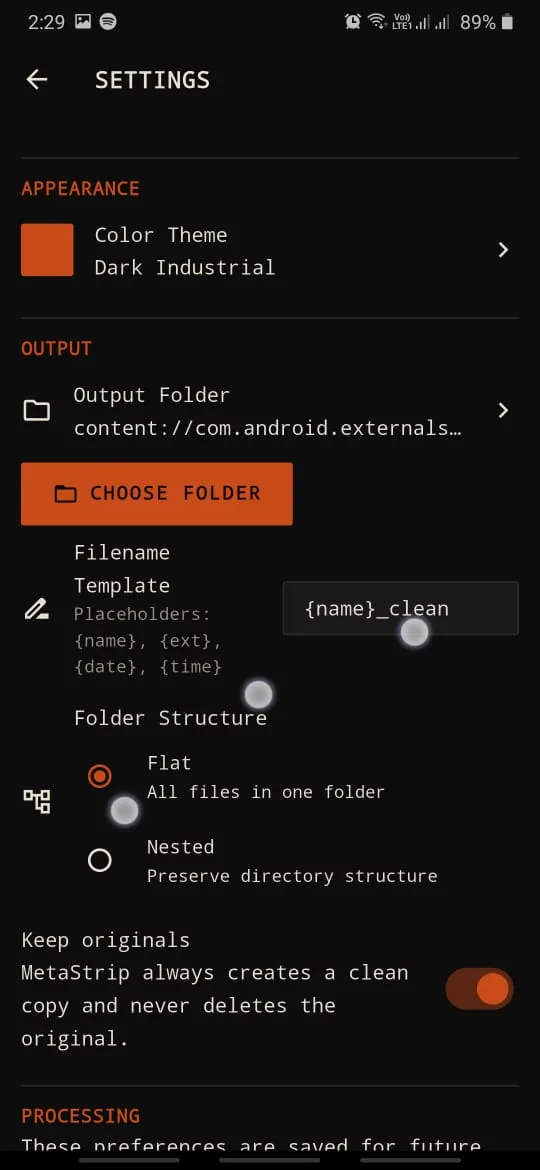
The result is always a new _clean file in the folder you choose. Name clashes get a number and are never overwritten.
Pick specific fields: PNG text chunks, PDF DocInfo, FLAC Vorbis comments, WAV LIST INFO, and Office and ODF properties.
Images, PDF, Office, ODF, audio, ZIP, APK, and EPUB. The Viewer reads more than 40 extensions.
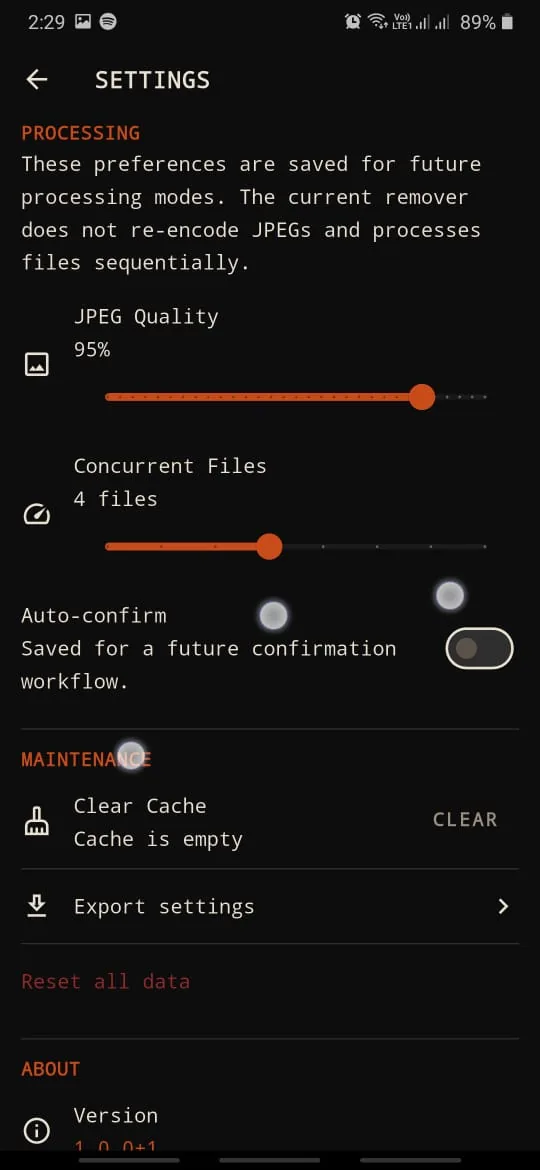
Files are processed one by one with progress, a per-file log, and a cancel button. Each result is re-validated after writing.
Copy metadata values to the clipboard to note them down or compare them.
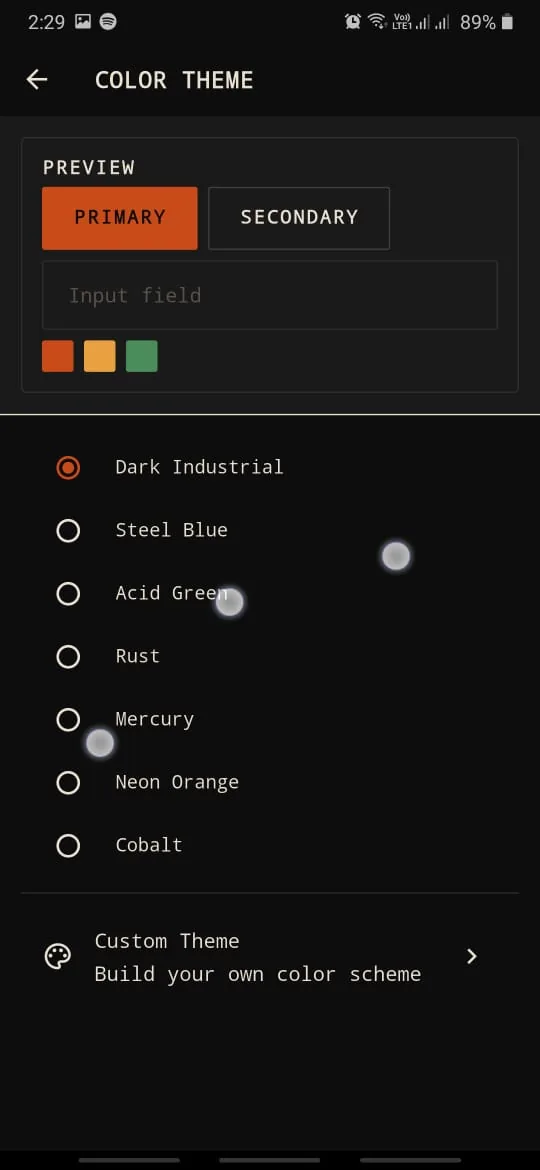
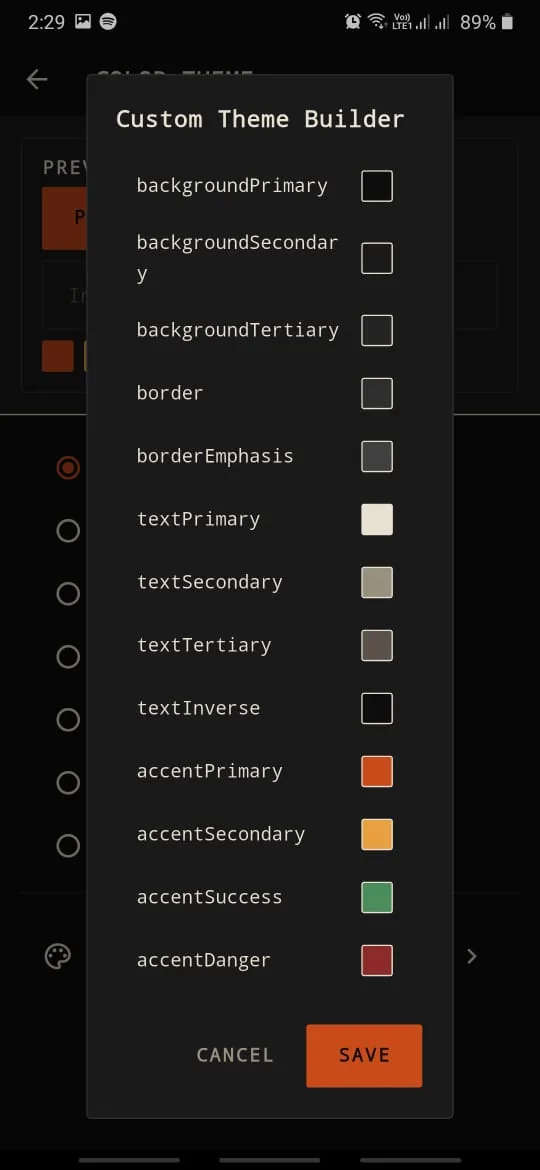
Dark Industrial, Steel Blue, Acid Green, and more, plus a custom theme builder with 16 color tokens.
Export and import settings as JSON. A two-step reset leaves the clean copies you already made in place.
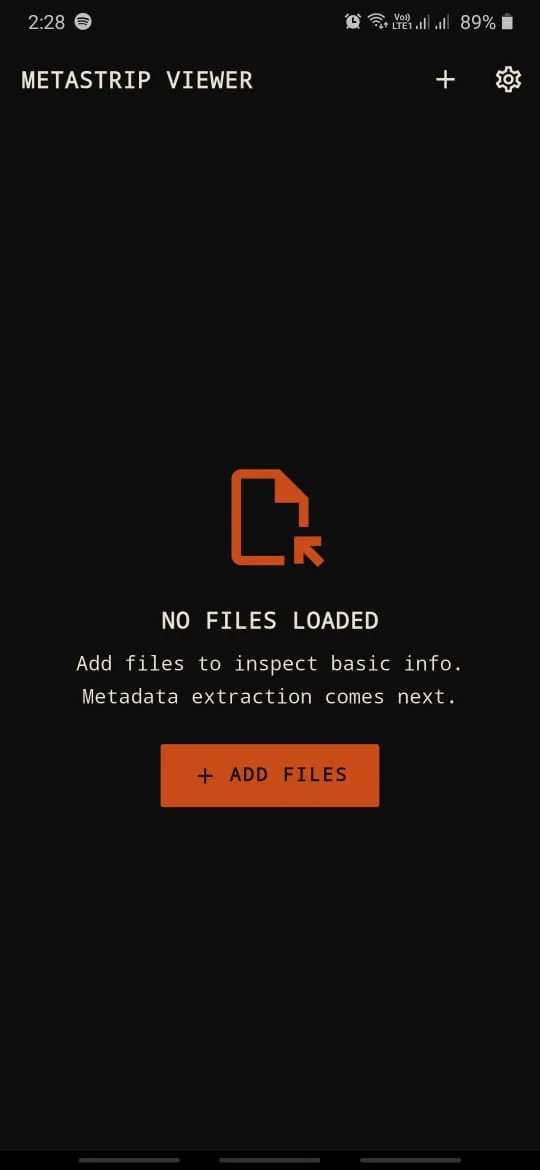
An industrial monospace interface, built to read data clearly.
No account, no internet connection, and no broad storage permission.
Open files through the system file picker. MetaStrip only reads the files you pick yourself.
See what the file carries. Strip all supported metadata, or pick just the fields you want gone.
MetaStrip writes a new file to your output folder and re-validates it. The original stays exactly as it was.
You choose the output folder once during onboarding and can change it any time in Settings.
The Viewer reads more formats than the Remover can clean. The removal list keeps growing.
Viewer, more than 40 extensions.
Remover, 21 formats.
A privacy tool shouldn't collect data. MetaStrip is built with no backend at all.
The release build doesn't ask for internet access. No uploads and no servers.
No ad, analytics, or tracking SDKs. No account needed.
Uses the system file picker and SAF, not permission to read all your media or storage.
Metadata is only shown in memory. Originals are never changed, moved, or deleted.
No. All metadata extraction and removal runs on your phone. MetaStrip has no backend server, ships no analytics or ad SDKs, and the release build does not request the internet permission.
No. MetaStrip always writes a new file named <name>_clean to the output folder you chose. If that name is taken, it adds a number. The original is never overwritten, moved, or deleted.
JPG/JPEG, PNG, GIF, WebP, BMP, PDF, DOCX, XLSX, PPTX, ODT, ODS, ODP, MP3, FLAC, OGG, Opus, WAV, AIFF, ZIP, APK, and EPUB. The Viewer reads more formats, including video, HEIC, TIFF, and RTF.
MetaStrip removes the metadata it supports for each format. PDF removal is best-effort: it blanks the trailer-referenced Info dictionary and XMP, and rejects PDFs that keep Info in a compressed object stream. ZIP, APK, and EPUB are cleaned at the container level only, not the files inside. Open the result in the Viewer to double-check.
Cleaning container metadata changes the package contents, so the APK signature no longer verifies. Use a cleaned APK for archiving or sharing as a file, not for installing.
The Remover accepts files up to 50 MiB. For ZIP, Office, ODF, APK, and EPUB, the decompressed contents are capped at 32 MB and 2,000 entries so processing stays safe in phone memory.
Android phones running Android 7.0 or later.
MetaStrip is free on Google Play. Questions? Email hello@bariskode.com.